

Empower your WordPress site with effortless user management using the Gravity Forms User Registration Addon from 8Muses. This powerful yet easy to use tool transforms your regular forms into a complete user system allowing visitors to register, log in and manage their profiles directly through Gravity Forms.
Built for creators, developers, and business owners alike, it streamlines how new users connect with your site. in case you are running a membership community, online learning platform, eCommerce shop, or a private members area, this addon delivers a polished, professional, and seamless registration experience without the need for coding or complex setup.
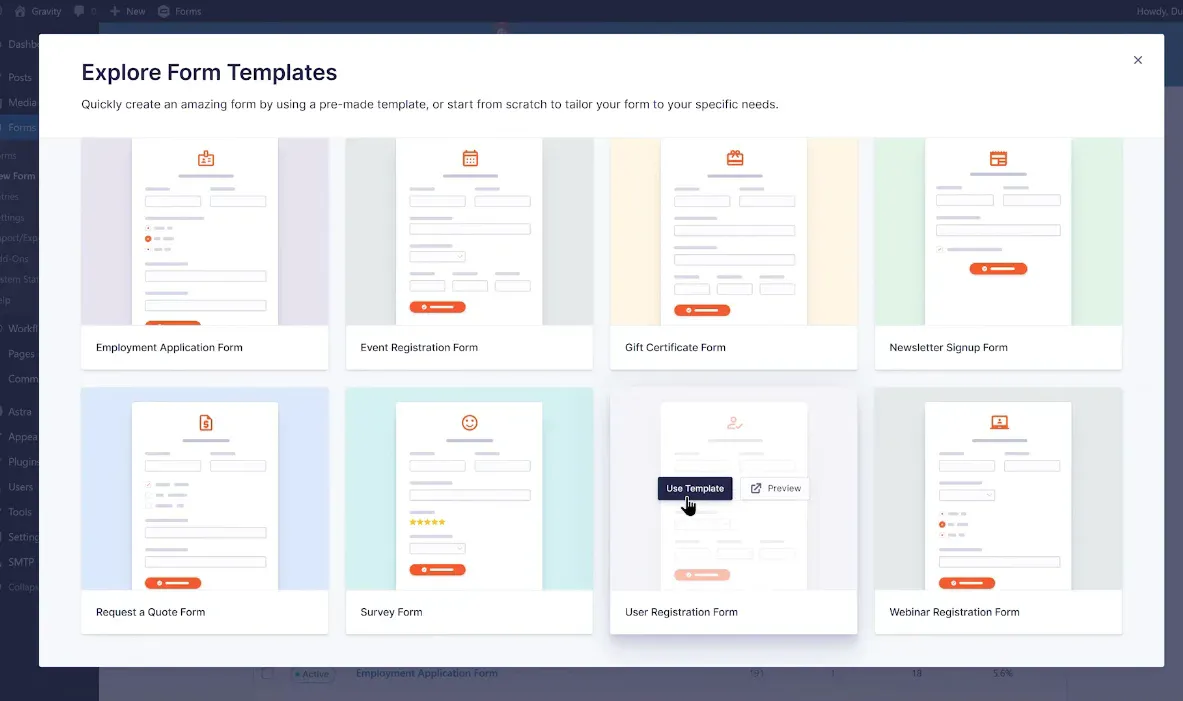
Installing the User Registration Addon
-
From your WordPress dashboard, install and activate the addon just like any other plugin.
-
Once activated, it automatically integrates with Gravity Forms and adds a new “User Registration” setting under your form options.
-
You can instantly start building registration and login forms without any extra configuration.
Creating a New Login Form
-
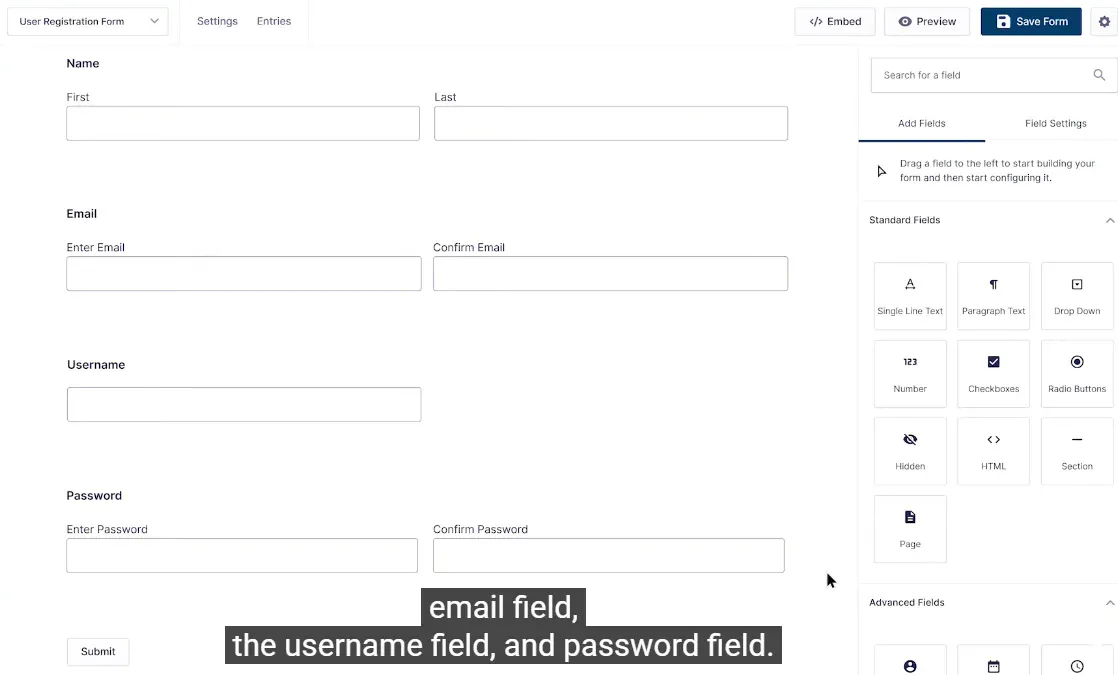
Design your login form from scratch with the fields you need, like username, email, or password.
-
Use Gravity Forms’ drag and drop editor to position fields exactly where you want them.
-
Match the design to your website’s theme for a seamless experience.
-
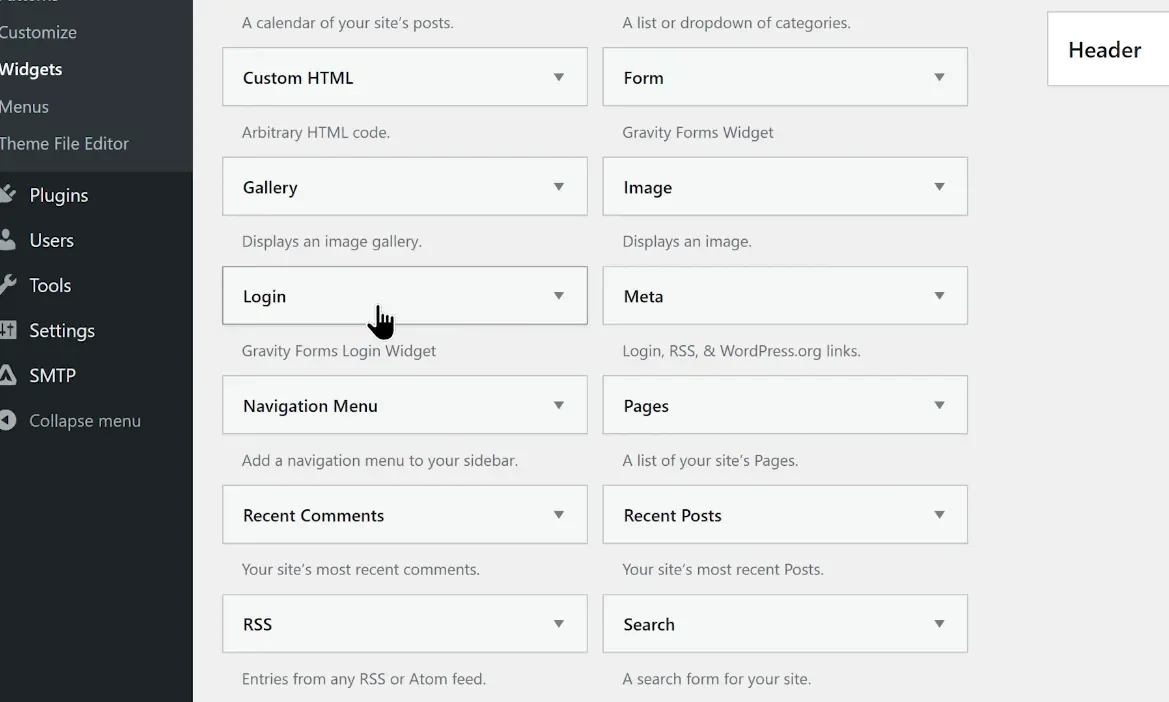
Place the form anywhere on a landing page, sidebar, or custom login page.
-
Give your visitors a clean, branded way to log in without ever seeing WordPress’s default screen.
Creating a New Gravity Forms Login Form
-
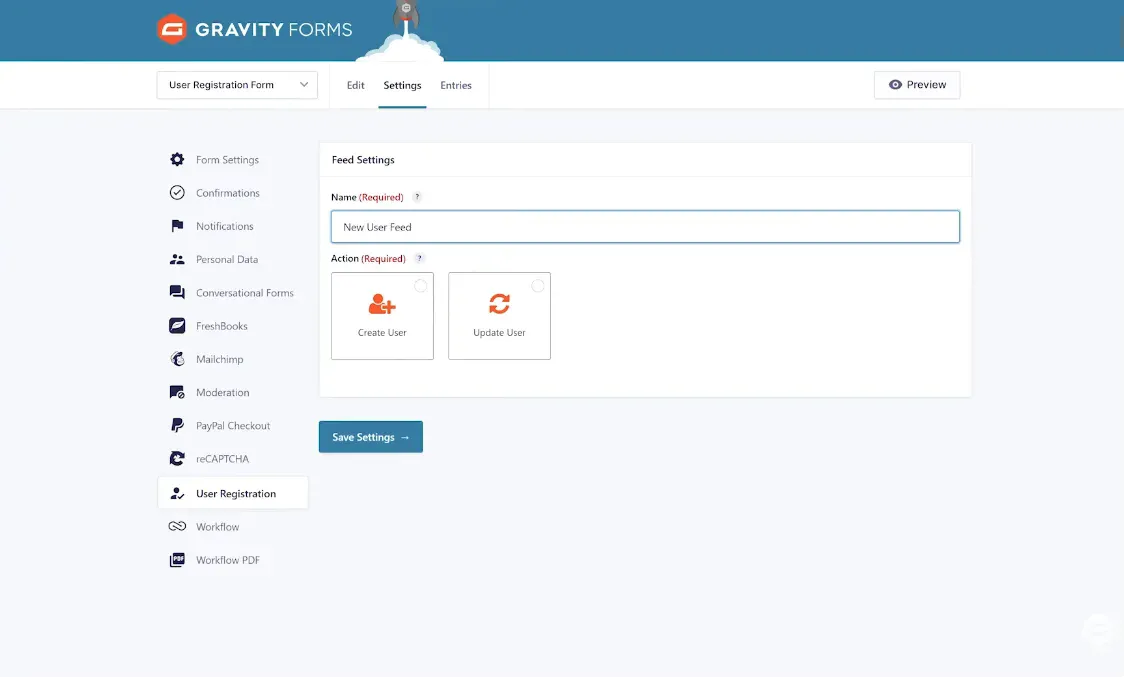
Go to your form settings and select the “User Registration” feed.
-
Choose “Login Form” from the feed options.
-
Map the username and password fields to match WordPress’s login credentials.
-
Customize your login success and error messages.
-
Control how login sessions are managed and where users land after logging in.
Redirect Users After Login
-
Redirect first time users to a welcome page or setup guide.
-
Send members to their dashboard, course library, or account page.
-
Use conditional logic to redirect users based on their role or form data.
-
Customize URLs so users are guided exactly where you want them.
Customizing the Login Form Using PHP Code
-
Use built in hooks and filters to change form behavior.
-
Modify field validation, security, or error messages.
-
Integrate the form with other tools, CRMs, or APIs.
-
Create custom login workflows and unique access rules.
Logging in with Social Media
-
Allow users to log in with their Google, Facebook, or Twitter accounts.
-
Simplify the process with one click logins no password required.
-
Increase signup rates by making the process effortless.
-
Keep security strong with encrypted authentication.
Creating a Registration Form for New Users
-
Create forms with the exact fields you need name, email, password, or custom profile data.
-
Automatically create new WordPress users after submission.
-
Assign roles like Subscriber, Customer, or Contributor automatically.
-
Add admin approval steps for controlled registrations.
-
Trigger welcome emails, confirmations, or onboarding workflows.
Creating and Displaying User Profile Pages
-
Let users view and update their information directly from your website.
-
Allow updates for names, passwords, emails, or custom fields.
-
Restrict access to sensitive data using role based permissions.
-
Display custom profile layouts that match your site design.
-
Keep users out of the WordPress backend for better security and simplicity.
Take Control of User Management with Gravity Forms
-
Manage logins, registrations, and profiles without third party plugins.
-
Automate repetitive admin tasks with smart workflows.
-
Personalize the experience for every user.
-
Keep your site secure, fast, and easy to maintain.
Conclusion
The Gravity Forms User Registration Addon from 8Muses is the ultimate solution for managing user accounts on WordPress.From the first registration to ongoing profile management, everything happens smoothly, securely and beautifully all inside Gravity Forms.
Related products





 Gravity Forms User Registratio...
8,00 $
You may add any content here from XStore Control Panel->Sales booster->Request a quote->Ask a question notification
At sem a enim eu vulputate nullam convallis Iaculis vitae odio faucibus adipiscing urna.
Reviews
There are no reviews yet.